- Home
- saas management
- quick guide saas licenses
Optimizing SaaS licenses

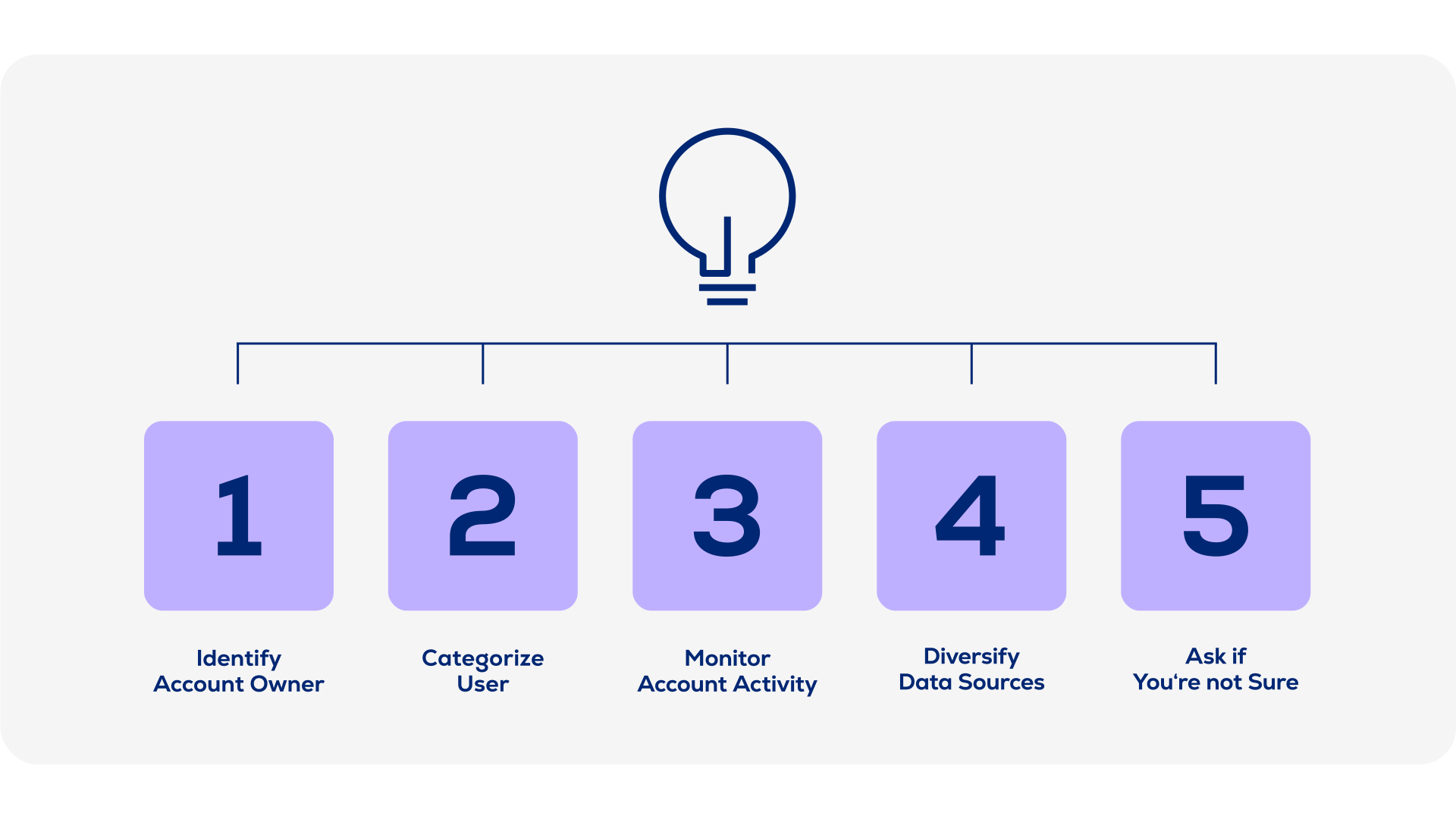
5 steps to reduce SaaS costs
You don’t need to move mountains to reduce your SaaS costs. Cleaning up your user population is a quick way to free up licenses and save money in the long-term. By taking advantage of a variety of information channels, you can reduce your user rolls to the bare minimum and reduce your SaaS costs.
Step 1: Categorize users
The main strategy is to separate internal from external users. External users are usually hired for short-term projects. By keeping tabs on when their projects have ended, you can off-board them in a timely manner and prevent them from consuming expensive licenses and entitlements.

Quick tip:
Step 2: Identify account owner
Tracking logins may not give you an accurate picture of your usage. The login credentials may be generic or shared, so they won’t help you identify the real people behind them.
Linking real people with the login credentials will help you to identify people with multiple licenses. In most cases, users do not need more than one subscription for a single SaaS solution. If you’re already using a license management solution, start there to find out who has been assigned which aliases

Quick tip:
Step 3: Monitor account activity
You already have access to records that will help you assess account activity. Using audit logs from an Active Directory or Single-Sign-On system, you can see which accounts are being used, and which accounts you might be able to deactivate, reharvest, and reassign.

Quick tip:
Compare these records with your list of account owners to ensure that you’re not cutting access for important stakeholders, and coordinate with IT to check your list for users who may have left the company, or may be on some kind of long-term leave such as a sabbatical or parental leave.

Get ROI on your SaaS
Step 4: Diversify data sources
SSO and AD logs are a great start for monitoring SaaS account activity. But you should diversify your data sources to ensure there are no gaps in your data coverage.
For instance, you can use mail and chat activity to see assess whether an account is being used. Consult your Exchange/Online solutions and use email activity to determine which accounts to deactivate, reharvest, and reassign.
Some users and their usage activity may be “hidden” on an external machine or shared device. Diversifying your data sources can help you uncover hidden and unmanaged users to get the most accurate overview.

Quick tip:
Step 5: Ask if you’re not sure
Data may not be enough to tell you if a user needs access. If you’re not sure, then ask! People should be able to say whether their license is really being used. And involving them in the process will raise awareness for license management in an organization.
Make sure that your automatic license reharvesting tools allow email workflows and notifications, so users are actively involved in licensing decisions. If they don’t respond, it’s a good indication that they don’t need the license.

Quick tip:
Direkt ins Gespräch kommen
Sie haben Fragen? Ein kurzes Gespräch schafft oft mehr Klarheit als viele E-Mails. Unser Experte zeigt Ihnen auch gerne, wie SaaS Management in der Praxis funktioniert – persönlich und unverbindlich.

Melisa Mujic
Sales Development
SaaS Management
Schreiben Sie uns
Ganz gleich, ob Sie mit uns arbeiten möchten oder nur ein paar Fragen haben.


%20-%20SaaS%20Optimization%2005-22/usu_sam_webinar_ap-saas-optimization_lp-header_1920x1080px.jpg?width=296&height=197&name=usu_sam_webinar_ap-saas-optimization_lp-header_1920x1080px.jpg)